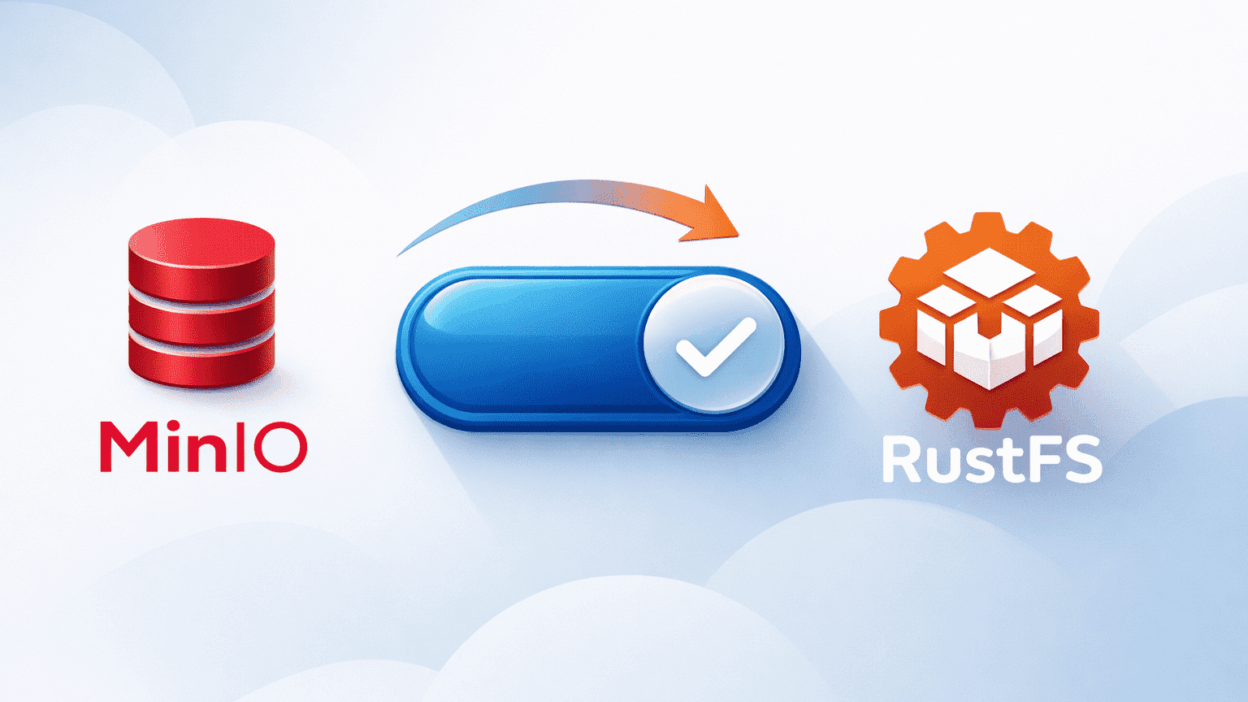
Today we are excited to announce that RustFS has introduced a key feature in the latest release (1.0.0-alpha.89): users can now migrate from MinIO to RustFS through direct binary replacement.
As is widely known, MinIO has archived its open source repository. However, there are still tens of millions of instances worldwide running older open-source versions of MinIO. These versions no longer receive security updates, and over time the security risks associated with these instances continue to grow.
RustFS is an S3-compatible distributed object storage system written in Rust and released under the Apache License 2.0. The project has already surpassed 23k stars on GitHub. RustFS can serve as a fully compatible replacement for MinIO.
Benefits of Migration
- Cost Savings: You don’t need to provision new storage infrastructure for RustFS. Existing MinIO storage infrastructure can be reused directly, which significantly reduces storage costs.Especially for users whose data volumes exceed hundreds of gigabytes or even petabytes.
- Security Assurance: Instances running the MinIO open-source edition no longer receive security updates and therefore face growing security risks. RustFS is actively maintained, and the team can respond to security issues in a timely manner.
- Seamless Integration: Because RustFS is fully S3-compatible, this conversion does not introduce significant changes to existing workflows. As a result, RustFS can be seamlessly integrated into existing systems with minimal disruption.
How to Migrate?
Binary and docker installation can be converted directly.
For Binary Installation
For example, if your MinIO instance was started with the following command:
minio server /data/minio --console-address ":9001"
Then you can follow the steps below to complete the migration.
- Step 1: Download the latest version
Download the latest RustFS binary for your OS and architecture:
curl -LO https://github.com/rustfs/rustfs/releases/download/1.0.0-alpha.89/rustfs-linux-x86_64-gnu-latest.zip- Step 2: Extract the archive and prepare the binary
unzip rustfs-linux-x86_64-gnu-latest.zip
chmod +x rustfs- Step 3: Start the RustFS instance
Starting the RustFS instance with MinIO data,
./rustfs /data/minio --address ":9000" --console-enable --console-address ":9001" --access-key "rustfsadmin" --secret-key "rustfsadmin"After the conversion, you can verify the migration by accessing http://ip:9001.

For Docker Installation
If your instance installed with docker-compose.yml,
services:
  MinIO:
    hostname: MinIO
    image: MinIO/MinIO:RELEASE.2025-04-22T22-12-26Z
    command: server --console-address ":9001" /data{1...4}
    ports:
      - "9000:9000"
      - "9001:9001"
    environment:
      MinIO_ROOT_USER: MinIOadmin
      MinIO_ROOT_PASSWORD: MinIOadmin
    healthcheck:
      test: ["CMD", "mc", "ready", "local"]
      interval: 5s
      timeout: 5s
      retries: 5
    volumes:
      - data1:/data1
      - data2:/data2
      - data3:/data3
      - data4:/data4
    networks:
      - minio-rustfs

volumes:
  data1:
  data2:
  data3:
  data4:

networks:
  minio-rustfs:
    driver: bridge
You can migrate to RustFS by replacing the image and updating the environment variables:
services:
  rustfs:
    image: rustfs/rustfs:1.0.0-alpha.89
    container_name: rustfs
    hostname: rustfs
    environment:
      - RUSTFS_VOLUMES=/data{1...4}
      - RUSTFS_ADDRESS=0.0.0.0:9000
      - RUSTFS_CONSOLE_ENABLE=true
      - RUSTFS_CONSOLE_ADDRESS=0.0.0.0:9001
      - RUSTFS_ACCESS_KEY=rustfsadmin
      - RUSTFS_SECRET_KEY=rustfsadmin
    ports:
      - "9000:9000"  # API endpoint
      - "9001:9001"  # Console
    volumes:
      - data1:/data1
      - data2:/data2
      - data3:/data3
      - data4:/data4
    networks:
      - minio-rustfs

networks:
  rustfs:
    driver: bridge
    name: minio-rustfs


volumes:
  data1:
  data2:
  data3:
  data4:
Supported Migrated Items
Because the internal data formats of MinIO and RustFS are different, not all MinIO data can currently be migrated automatically. The latest version supports migration of the following items:
- Bucket metadata
- Objects, including labels, object locks, and versioning
- Bucket replication configuration
- IAM configuration
- Lifecycle management
- Layer management
The following items are currently not supported:
- Site replication
- Event notifications
- MinIO online configuration
- LDAP and OIDC
If you encounter any issue during the migration, please feedback in GitHub repo issue.
RustFS Roadmap
Currently, RustFS is in the alpha. The planned timeline for upcoming releases will be:
- Beta: We plan to move RustFS to beta in April.
- GA: We plan to release the GA version in July.
Also, we plan to support RDMA, DPU etc, and we will build RustFS as the key storage system for AI infrastructure in AI era.
Get Started with RustFS
Try RustFS today and experience seamless migration from MinIO.
- GitHub: https://github.com/rustfs/rustfs
- Website: https://rustfs.com
Disclaimer: “MinIO” is a registered trademark of MinIO, Inc. Any references to MinIO in this post are strictly for comparative and compatibility-demonstration purposes. RustFS is an independent open-source project and has no affiliation, sponsorship, or endorsement from MinIO, Inc.